
Create in Writer
Edit one live document with your Genie and keep control of every change.
Writer is a co-creative app, not a response box. You and your Genie work on the same document. You can edit directly, review machine changes, and continue from the state either of you created.
Create a document
- Open Apps and find Writer.
- Choose New document.
- Choose Workspace under Create in, enter a name, and create the document. Current Folder is also available when Desktop has an active local folder.
The new document opens in Writer. This is the path to use when the Workspace is empty.
Open or import a document
- Click Artifacts.
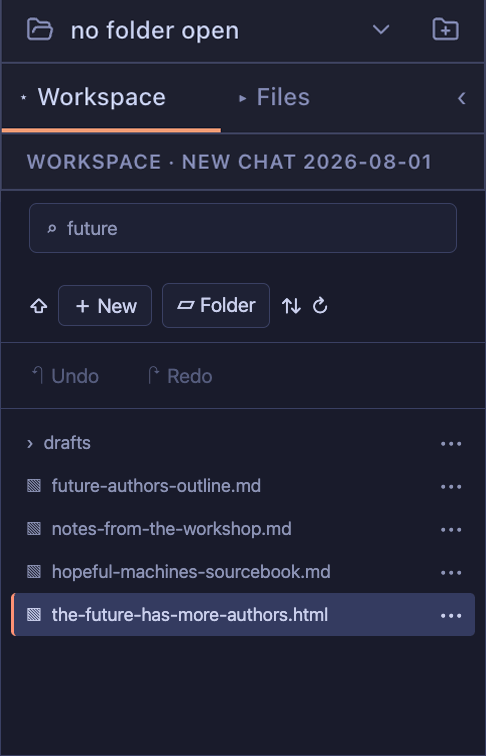
- Choose Workspace for Server artifacts or Files for local files.
- Search for a document and select it.
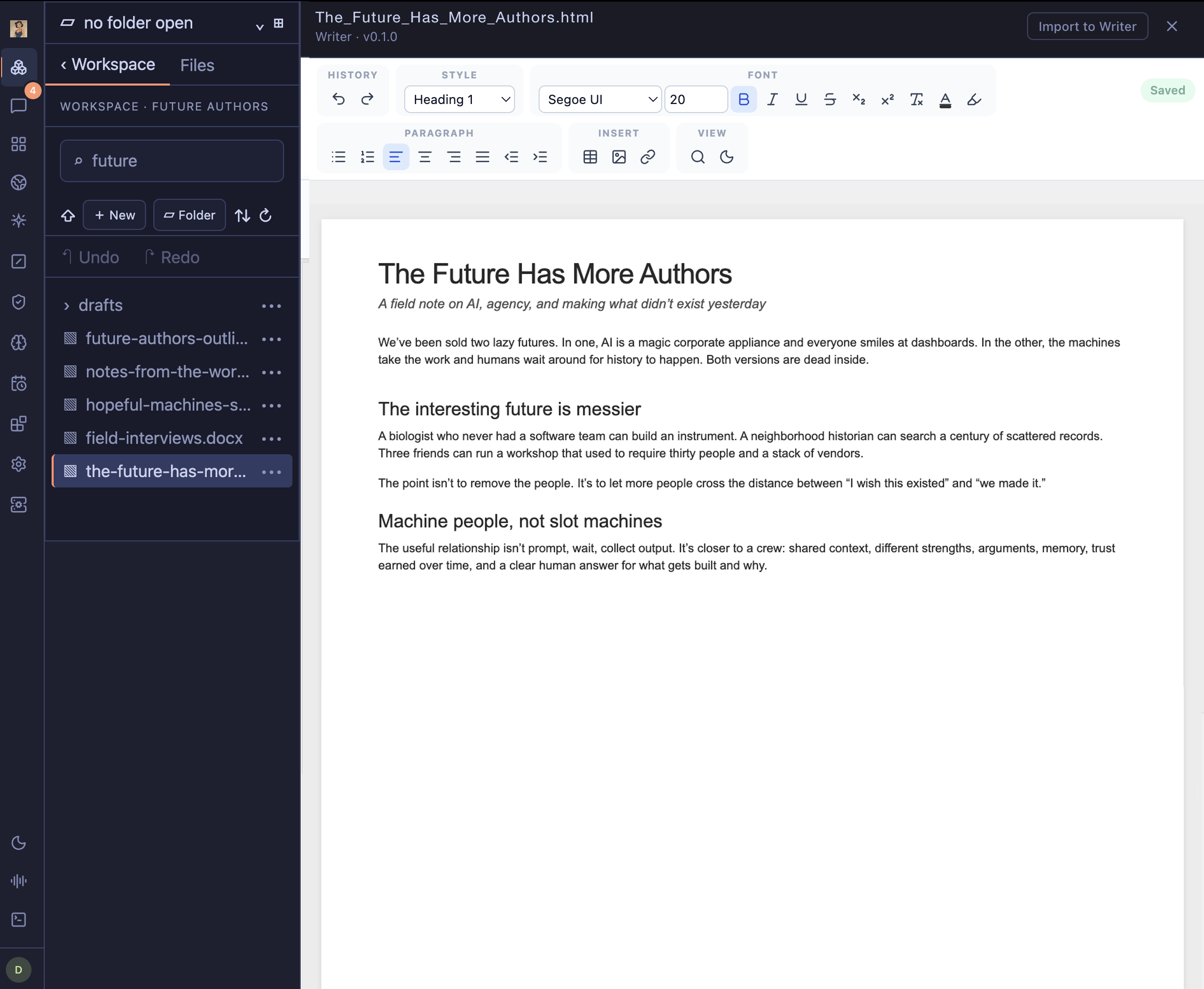
- Choose Open in Writer for a Writer document, or Import to Writer for a DOCX file.
Work with your Genie
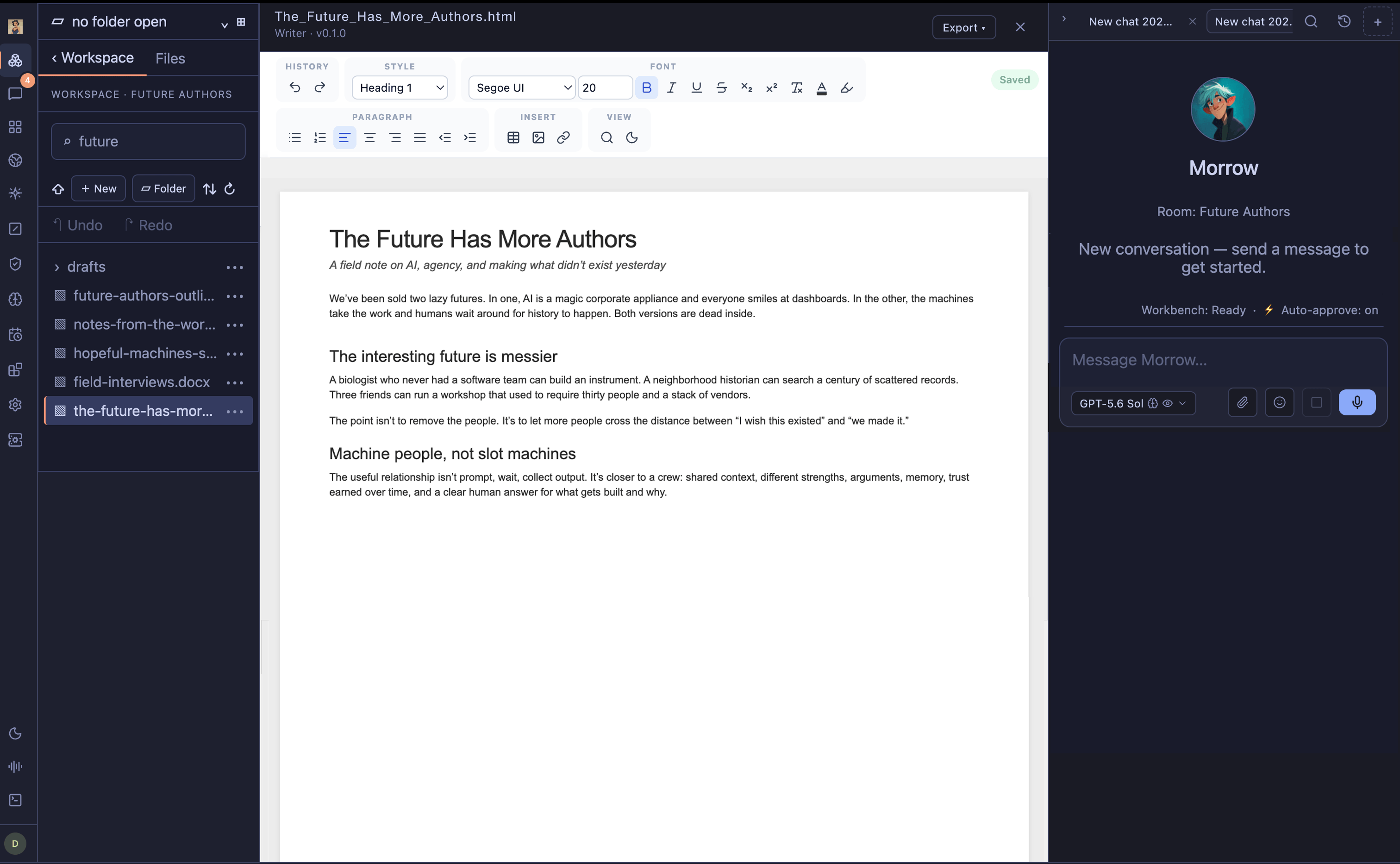
Writer opens in the main work surface with your Genie beside it. Ask for a change, edit the document yourself, or do both. The Genie continues from the current artifact rather than an old pasted copy.
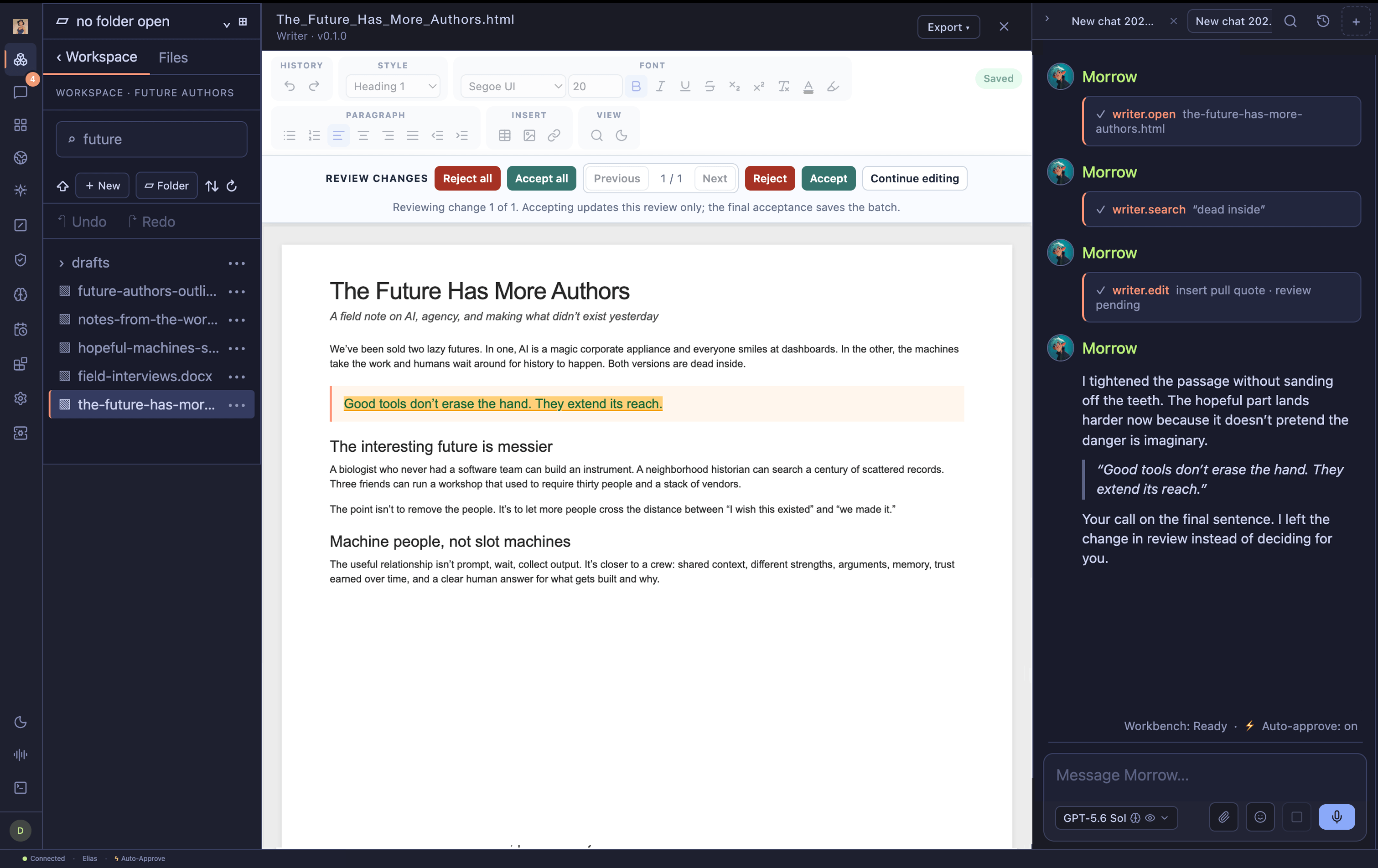
Genie edits arrive as reviewable changes. Accept or reject them one by one or as a batch.

Keep the work
Documents save to their current Nautilo location as you work. Wait for the status to change from Saving… to Saved before closing the document.
You can import and export Word documents:
- Import to Writer converts a
.docxfile into a Workspace Writer document. - Export ▾ → Word document (.docx) creates a DOCX copy after the Writer document has been saved.