
Make a presentation in Slides
Create a short deck with your Genie, look through the slides, and present it in Nautilo.
Start with what the audience needs to understand. Your Genie can turn that into a deck while you stay beside the work.
Create a presentation
- Open Apps → Slides and choose New presentation.
- Select Workspace, name the presentation, and choose Create.
- Close the Apps panel to leave room for the slide and your conversation.
Give your Genie a brief with a clear audience and length:
Make three slides to welcome everyone to Saturday's workshop: a warm welcome, three activities to choose from, and the afternoon plan. Use a cream background, orange and green accents, and short readable text.
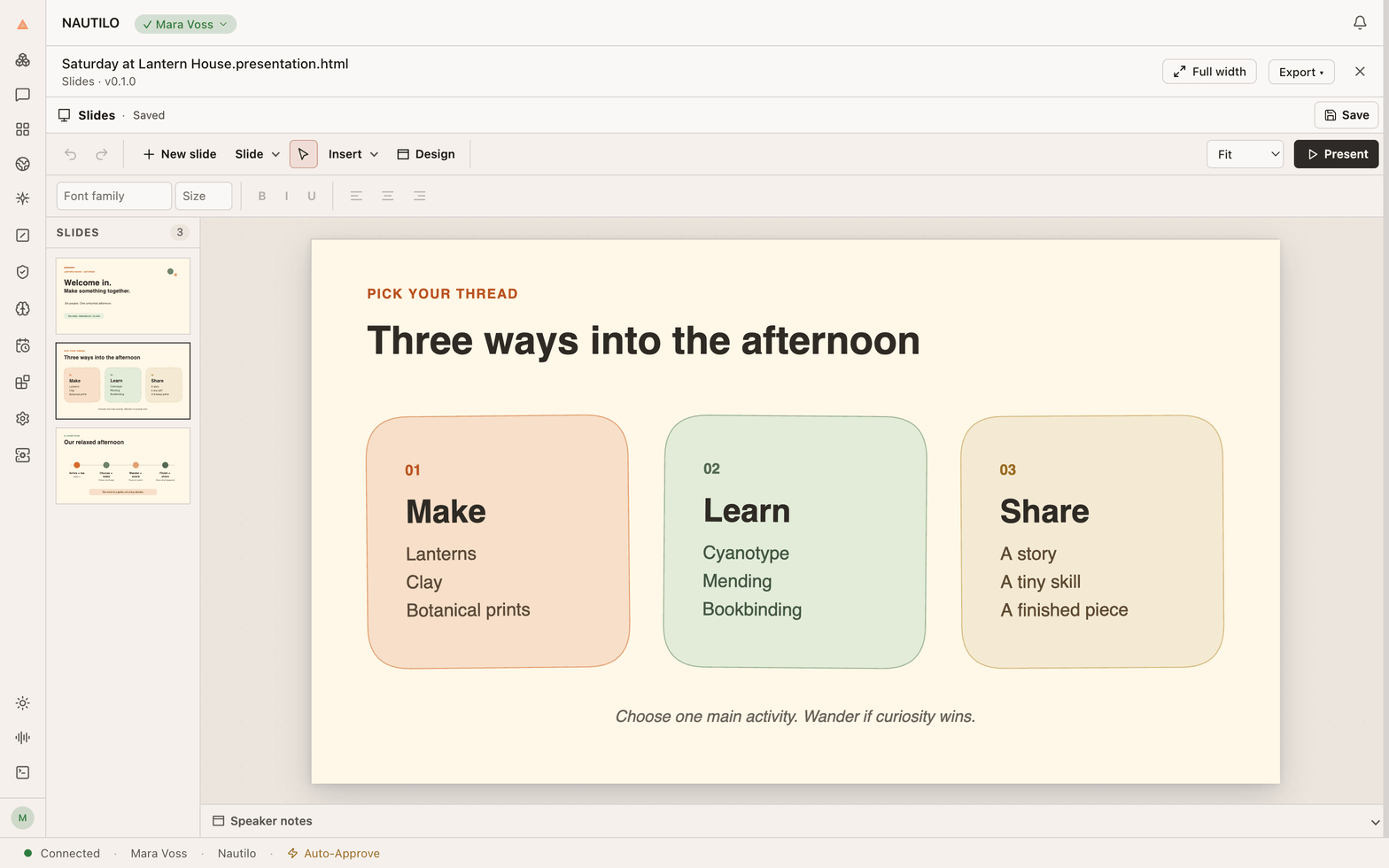
Look through it together
Select a thumbnail to move to that slide. Keep the Genie panel open while you ask for changes, or hide it to focus on the deck.
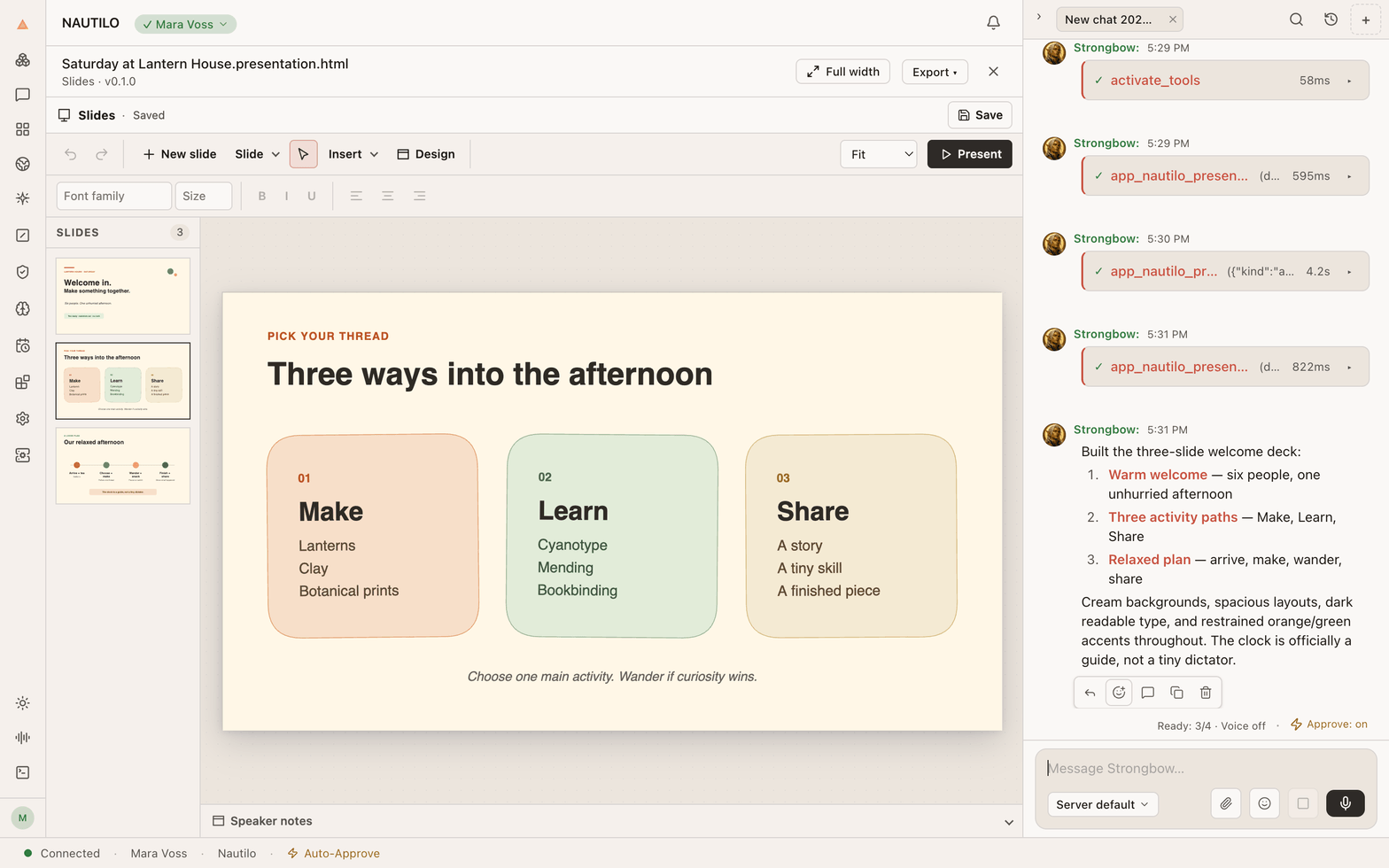
Wait for Saved before closing the presentation.
Present
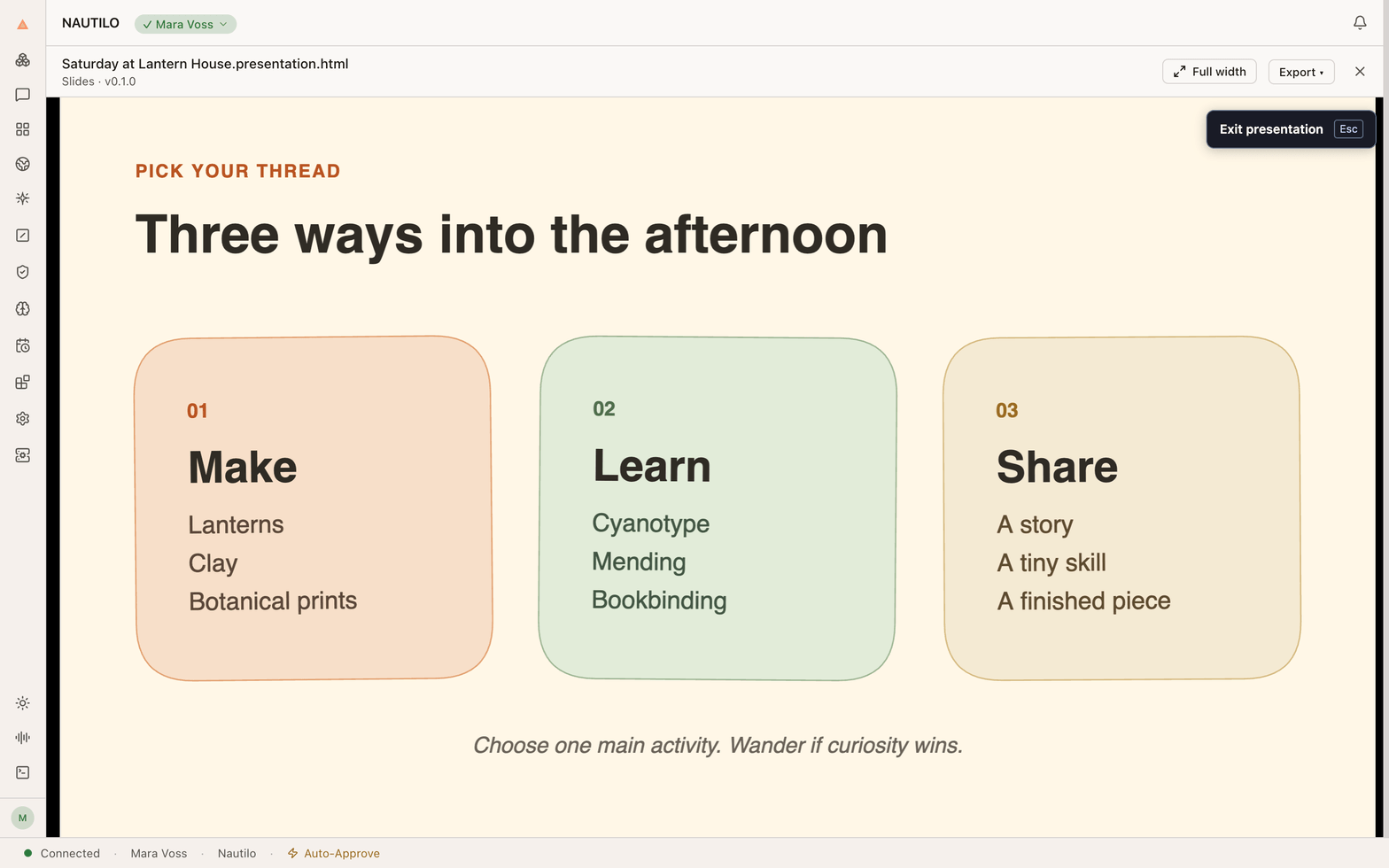
Select the slide you want to start from and choose Present from current slide. The presentation opens inside Nautilo. Choose Exit presentation to return to the editor.
Need an invitation to go with the deck? Make one in Design.