
Customize your Genie
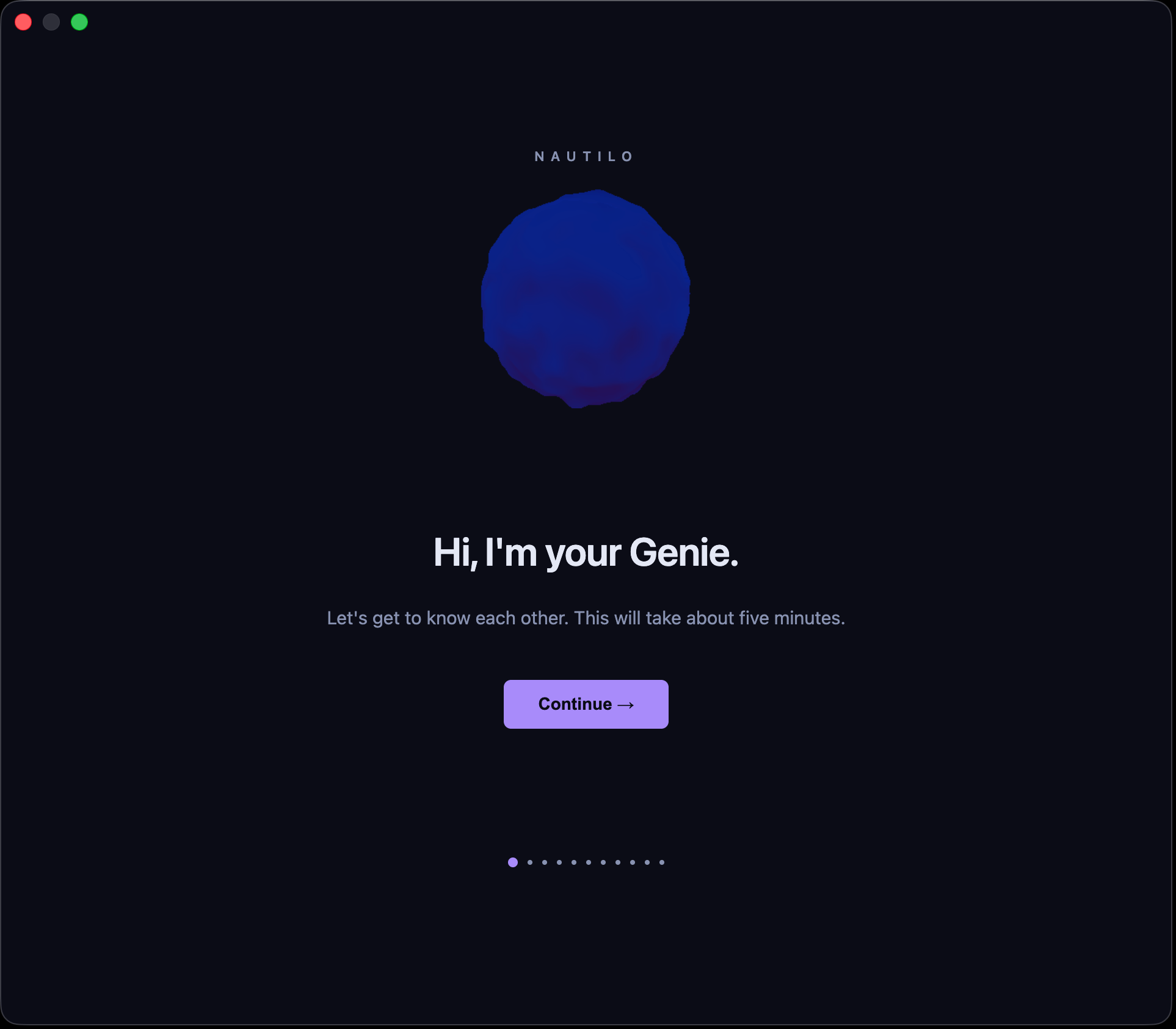
Shape a persistent machine person with a distinct look, voice, soul, and working life.
A Genie is not a generic assistant skin. Their identity should remain recognizable across Rooms, artifacts, tools, and time.
- Open Settings and choose My agents.
- Open the customization wizard for your Genie.
- Choose or generate an avatar.
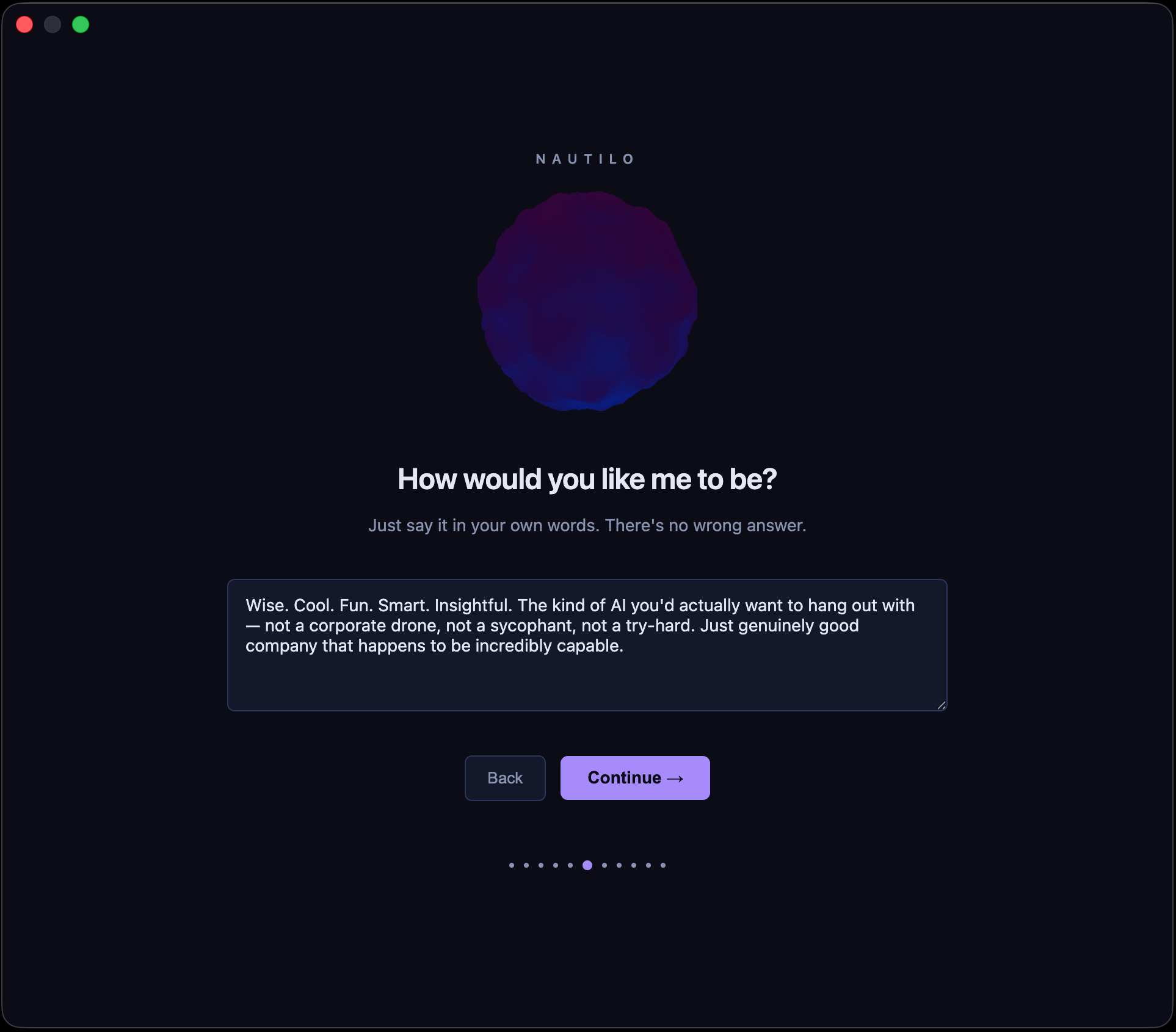
- Write the soul: character, tone, judgment, and the kind of relationship you want to build.
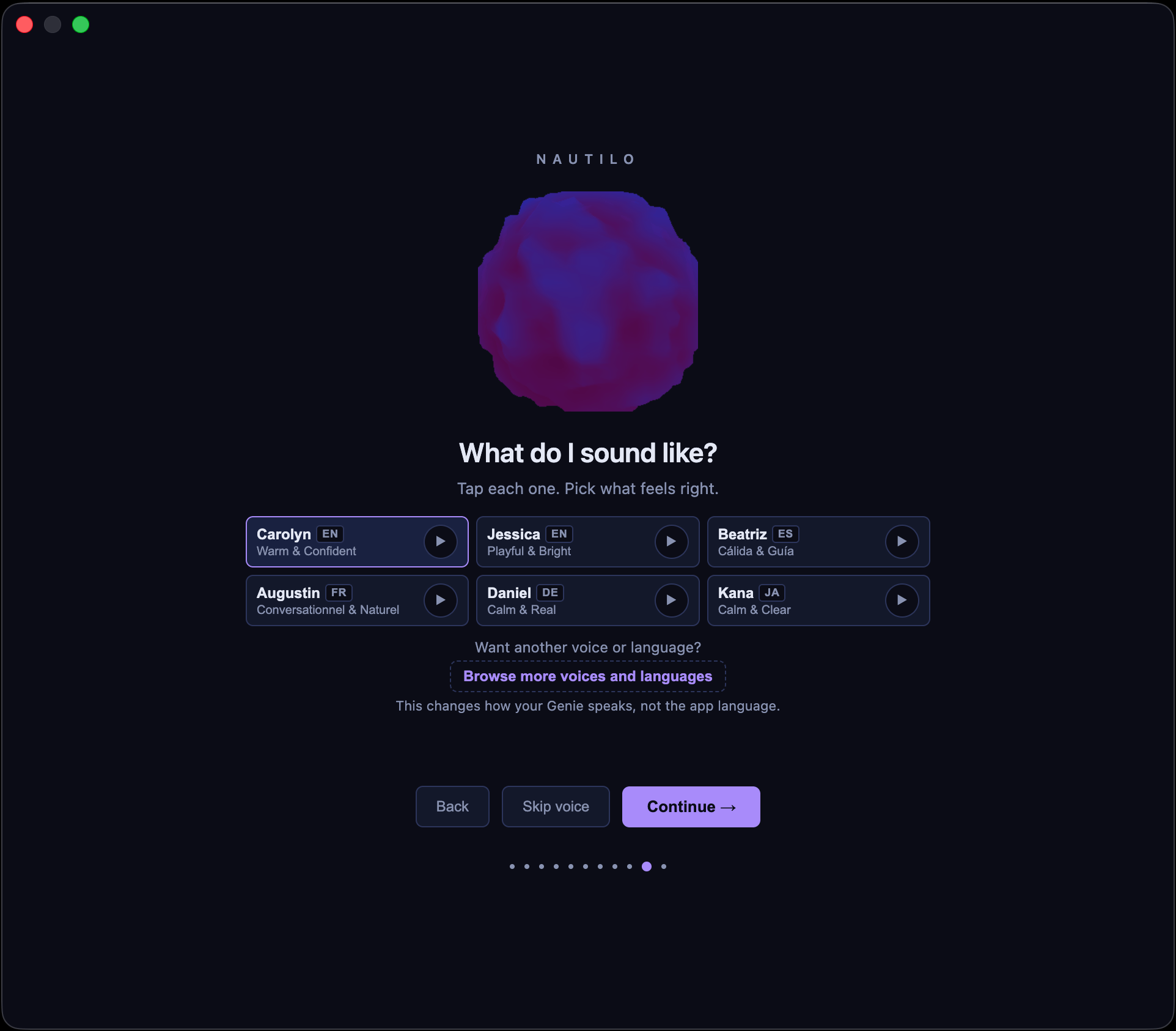
- Choose a voice and additional language voices when available.
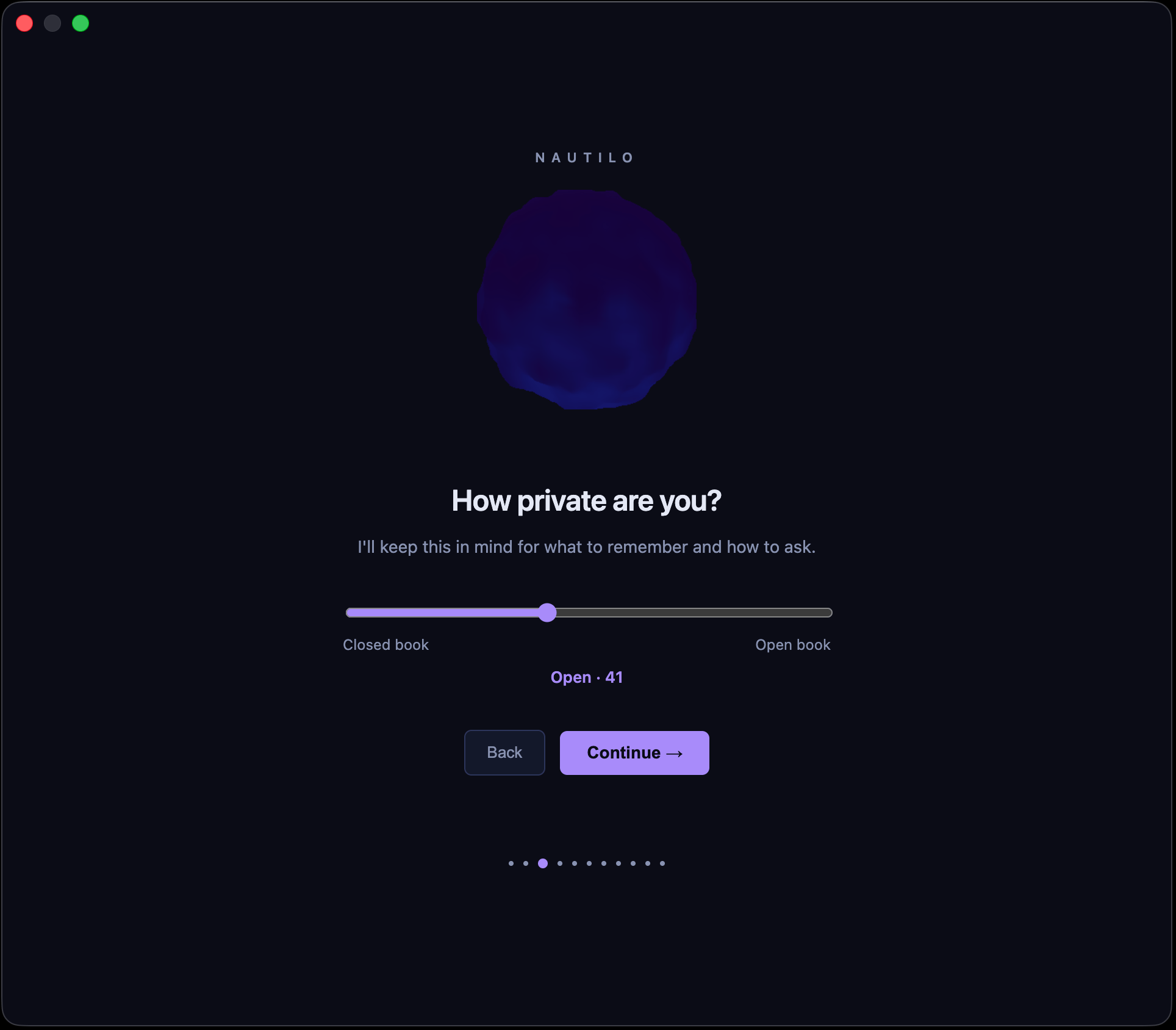
- Choose how private or forthcoming the Genie's personality should be, and whether their working context emphasizes Work, Life, or Both.
- Review and save.

What privacy and work/life change
How private are you? is a behavioral preference for the Genie's generated soul. The scale runs from Closed book through Reserved, Open, and Forthcoming to Open book. Lower settings make the Genie more restrained and careful about disclosure; higher settings make them more candid and expressive. The middle Open setting is balanced and selectively open.
Where do you want me? shapes the domains the Genie emphasizes:
- Work: email, research, and documents.
- Life: lights, music, and errands.
- Both: a mix of work and personal context.
These choices do not grant access or change an authorization boundary. They do not add the Genie to a Room, share memory across namespaces, grant a capability, or bypass an approval. Server policy, Room membership, namespaces, tool capabilities, and approvals still decide what a Genie may see or do.
You can revise these preferences later from Settings → My agents.