
Administrator guide
Find people and inspect their roles
See who belongs to your Server and check an account's role and group memberships.
Open Server admin → Users to see the people on your Server. You need administrator access for this view.
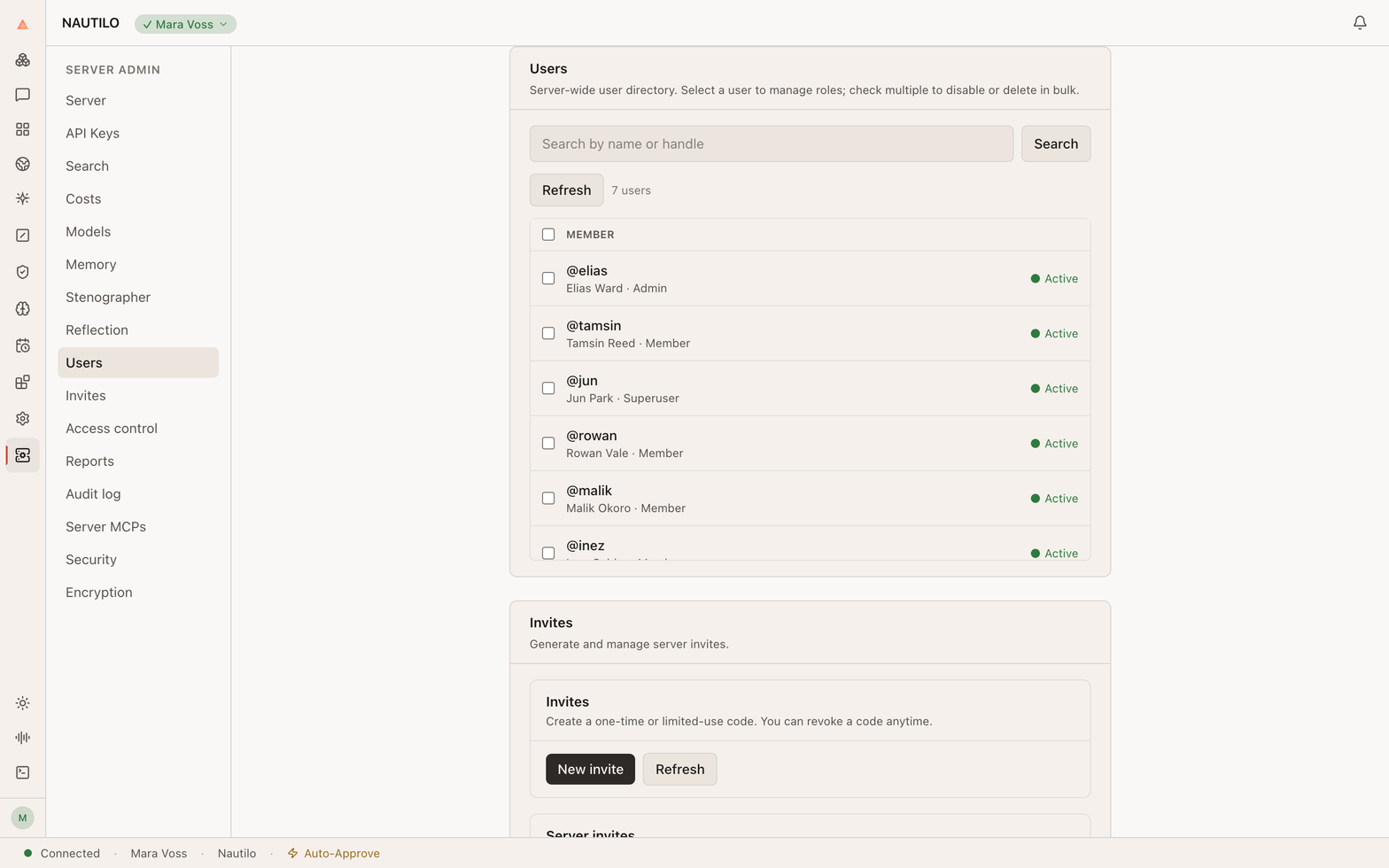
Select a person's name to open their account details. The drawer shows their role and status. Expand Roles & groups to inspect their memberships.
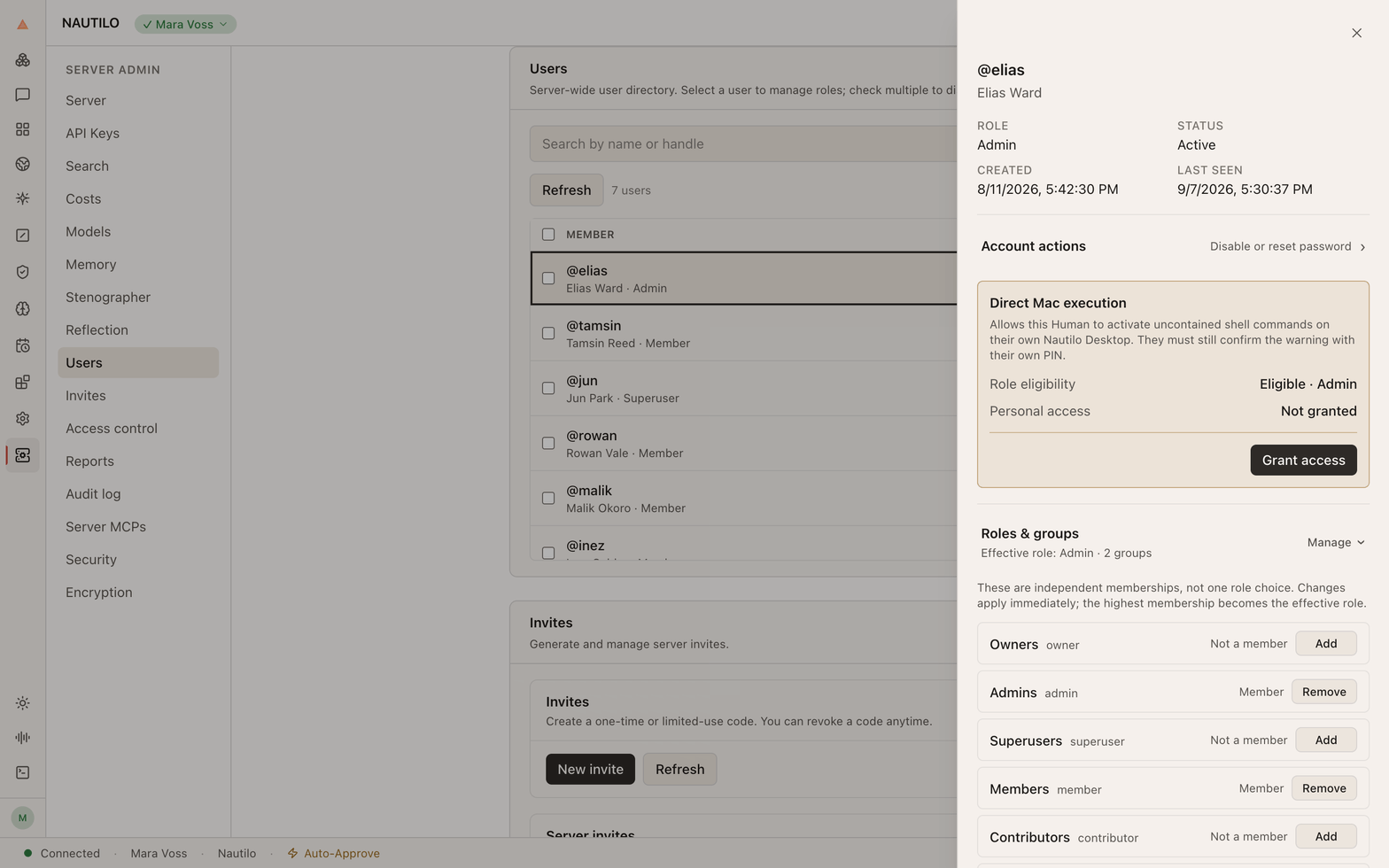
An account's role and its permission to run work directly on a Mac are different controls. Do not grant direct computer access merely to change someone's Server role.
Before changing access, confirm the account and the permission you intend to grant or remove. Close the drawer when you only wanted to inspect it.
For service configuration, see Add your API keys.